
How to Migrate a Website Without Losing SEO
In short
To migrate a website without losing SEO, list every URL that earns traffic or links, keep as many of them unchanged as you can, and 301 redirect every URL that does change to its closest new equivalent. Build and test the new site privately first, then hand over Search Console, submit the new sitemap and crawl the live site after launch. Expect some movement for a few weeks while Google processes the change.
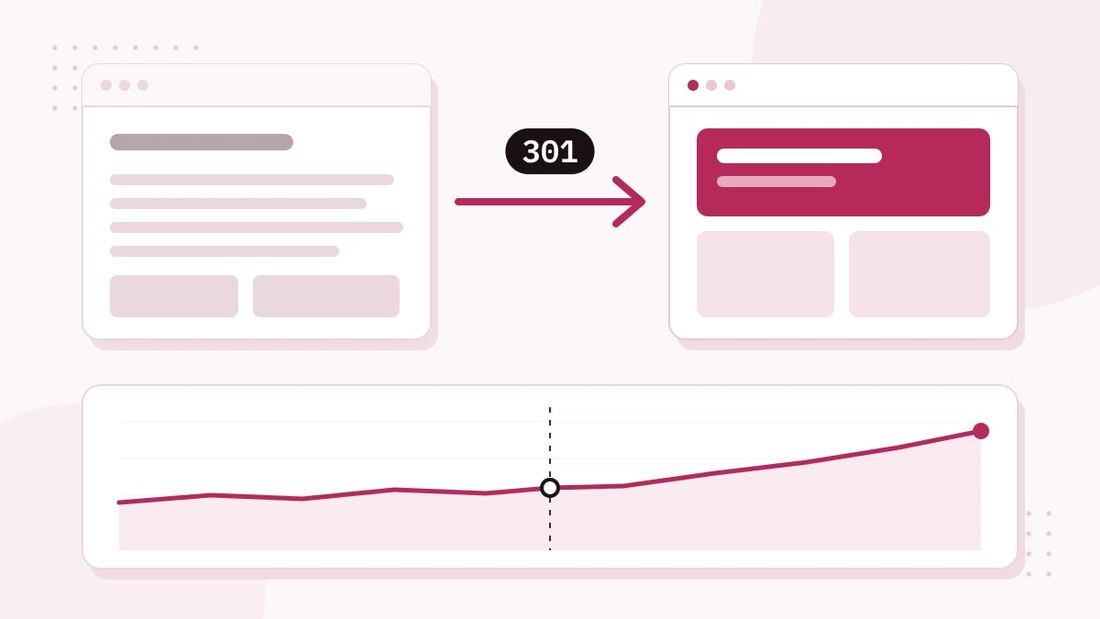
A website migration is any change that moves your pages: a new platform, a redesign with a new structure, a new domain, or all three at once. Search engines have spent years learning what lives at each of your URLs. A migration asks them to relearn it. Done carefully, they carry your rankings across. Done carelessly, you start again.
We have built and migrated hundreds of websites over 20 years, and this website is itself a migration: from WordPress to NeuralWeb, our own AI-assisted platform, with every URL kept. This is the checklist we follow.
Why migrations lose rankings
Rankings rarely disappear because of the new platform itself. They disappear because of what gets lost in the move:
- URLs that change without a redirect. Google and every site that links to you still point to the old address, and they now find a 404.
- Redirects to the wrong place. Sending every old page to the home page throws away what each page ranked for.
- Content and metadata left behind. Titles, descriptions, headings, image alt text, structured data and language tags that took years to refine.
- A site that blocks crawlers. A staging setting left on, a robots.txt that disallows everything, or a noindex tag that goes live.
Every step below exists to stop one of these.
Step 1: Inventory every URL
Before anything is built, list every URL the current site has and every URL that matters to search: the sitemap, the pages that get impressions and clicks in Search Console, the pages people land on in analytics, and the pages other sites link to. Include the easily forgotten ones: category and tag archives, author pages, feeds, paginated lists and old campaign pages.
This list becomes the redirect map and the test plan. If a URL isn’t on it, nobody checks it on launch day.
Step 2: Keep the URLs you can
The safest redirect is the one you don’t need. Wherever the new site can serve the same page at the same address, keep it. On this site every existing page and article kept its URL, including the Spanish articles, even where we would have chosen a different structure starting from scratch.
Change a URL only when there is a real reason, and accept that each change is a small risk you now have to manage.
Step 3: Build the redirect map
For every URL that does change or disappear, decide where it goes and record it in one table: old URL, new URL, reason. The rules we follow:
- One to one. Each old page goes to the closest equivalent new page, not to the home page.
- Permanent redirects. Use server-side 301 (or 308) redirects. Google treats them as a strong signal that the new URL is the one to show.
- No chains. Old URLs go straight to the final destination. Google recommends keeping chains short, ideally no more than three hops; we aim for one.
- Archives go to their nearest parent. On this migration, old category archives, author pages, feeds and pagination redirect to the insights index or the about page rather than to nothing.
Step 4: Build on a private staging site
The new site is built on a private staging address that search engines are told not to index. That is where the client reviews it, and where we check it before anything goes live: every page from the inventory exists or has a redirect, every title and description is in place, internal links point to final URLs and nothing links to the old site.
The noindex on staging matters, and so does remembering to remove it at launch. It is one of the most common causes of a site vanishing from Google after a migration.
Step 5: Carry the SEO details across
A migration is the moment details get lost, so we carry them across on purpose:
- page titles and meta descriptions (kept where they still work, rewritten where they don’t)
- headings and body copy, so pages still answer what they ranked for
- image alt text
- structured data (organisation, articles, FAQs) that matches what’s on the page
- hreflang tags linking each language version, on multilingual sites
- canonical tags and an XML sitemap listing only the final URLs
Step 6: Launch and the Search Console handover
On launch day the redirects go live with the new site, and we test them against the inventory rather than spot checking a few.
Then comes the Search Console handover: the property is verified for the new site, the new XML sitemap is submitted and indexing is watched in the days that follow. If the domain itself changes, Google’s Change of Address tool is used for the old domain, after the redirects are live. For a platform change on the same domain, such as WordPress to a static site, it isn’t needed.
Step 7: Crawl audit after launch
A few days after launch we crawl the live site the way a search engine would, and check the results against the original inventory:
- any old URL returning a 404 instead of a redirect
- redirect chains or loops
- pages accidentally set to noindex or blocked in robots.txt
- broken internal links and missing images
- titles or descriptions that are missing or duplicated
Then we keep watching Search Console. Google says a small to medium-sized site can take a few weeks for most pages to move, so some movement in rankings during that period is expected. What you don’t want is a steady slide, and the crawl audit is how you catch the cause early.
The short checklist
- Inventory every URL: sitemap, Search Console, analytics, backlinks, archives.
- Keep every URL you can.
- Map every changed URL one to one with a 301.
- Build and test on a private, noindexed staging site.
- Carry over titles, descriptions, content, alt text, structured data, hreflang.
- Launch, test every redirect, submit the sitemap, hand over Search Console.
- Crawl the live site, fix what’s missed, watch Search Console for weeks.
If you’d rather not do it yourself, this is exactly what our website migration service covers. If the site is being rebuilt at the same time, see how long it takes to build a website. And to see how ready your current site is for AI search before you move it, run the free AI readiness check.
Sources
- Google Search Central: Site moves with URL changes
- Google Search Central: Redirects and Google Search
- Search Console Help: Change of Address tool
Checked 19 November 2026.